Product Updates: Jun 15, 2026
Last updated: June 24, 2026

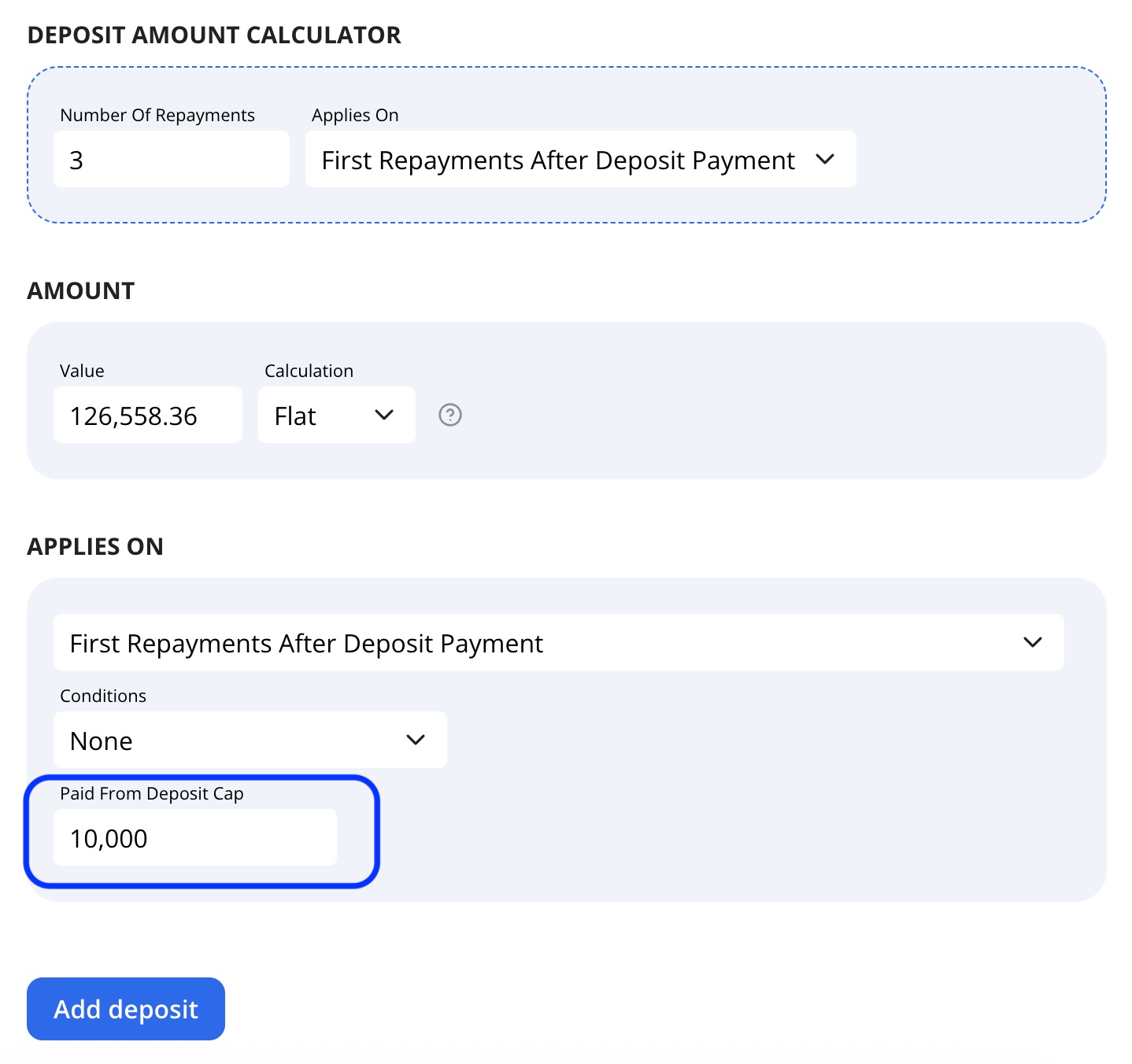
Cap Amount Paid from Deposit
You can now set a Paid From Deposit Cap when configuring a deposit.
Limits how much of the deposit amount can be applied per repayment. Any remaining amount will remain due on the expected repayment. This allows you to limit how much can be paid from the deposit each time it is applied, even if the deposit balance is higher.
Exchange Rate Overrides
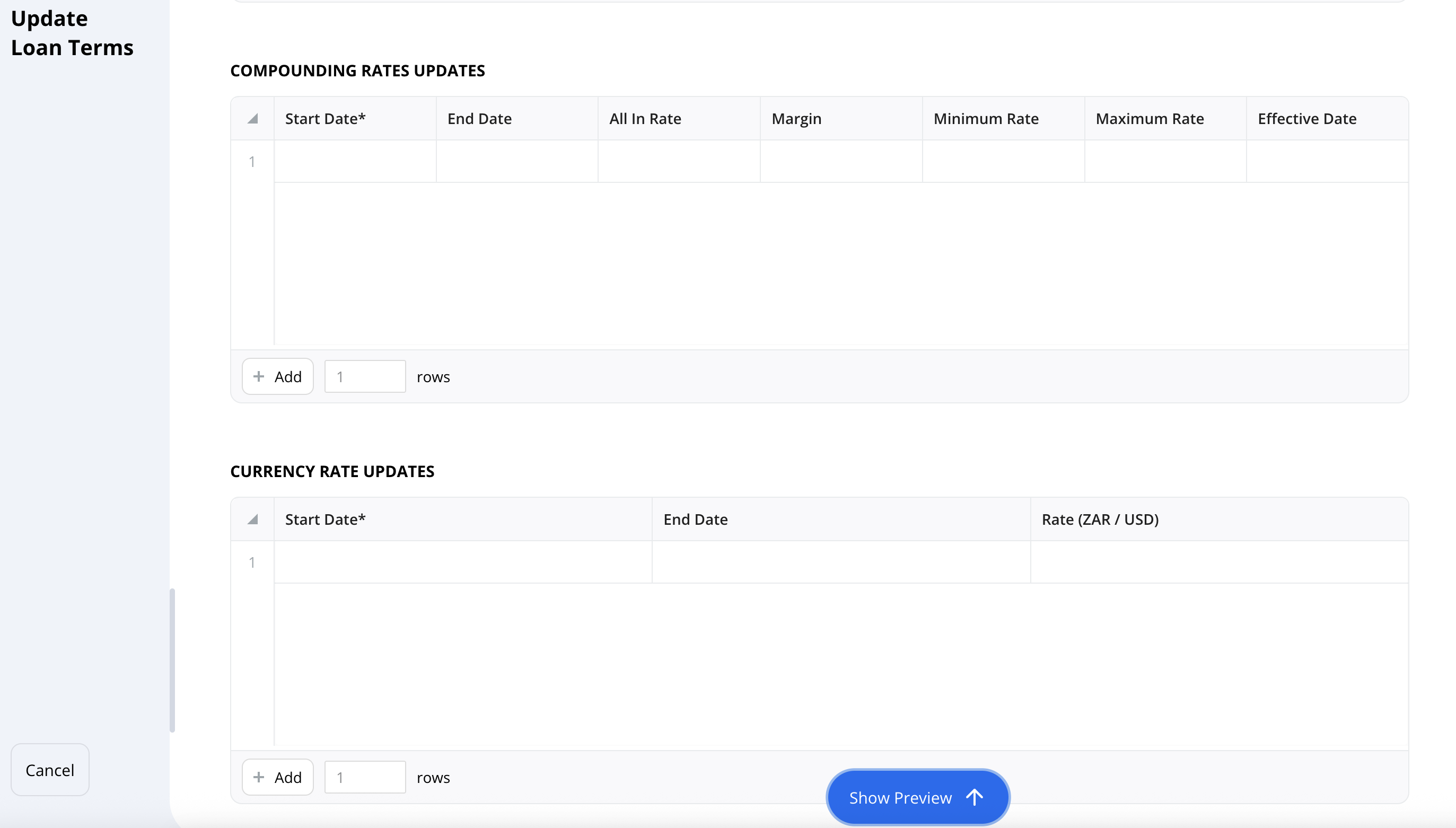
Add Exchange Rate Overrides to a Loan
You can now add Exchange Rate Overrides in the Loan Terms page under the Rate Updates section, specifically within Currency Rate Updates table.
Use this when a loan needs a specific exchange rate for a certain period, instead of using the default exchange rate.
Interest and Compounding on Specific Dates
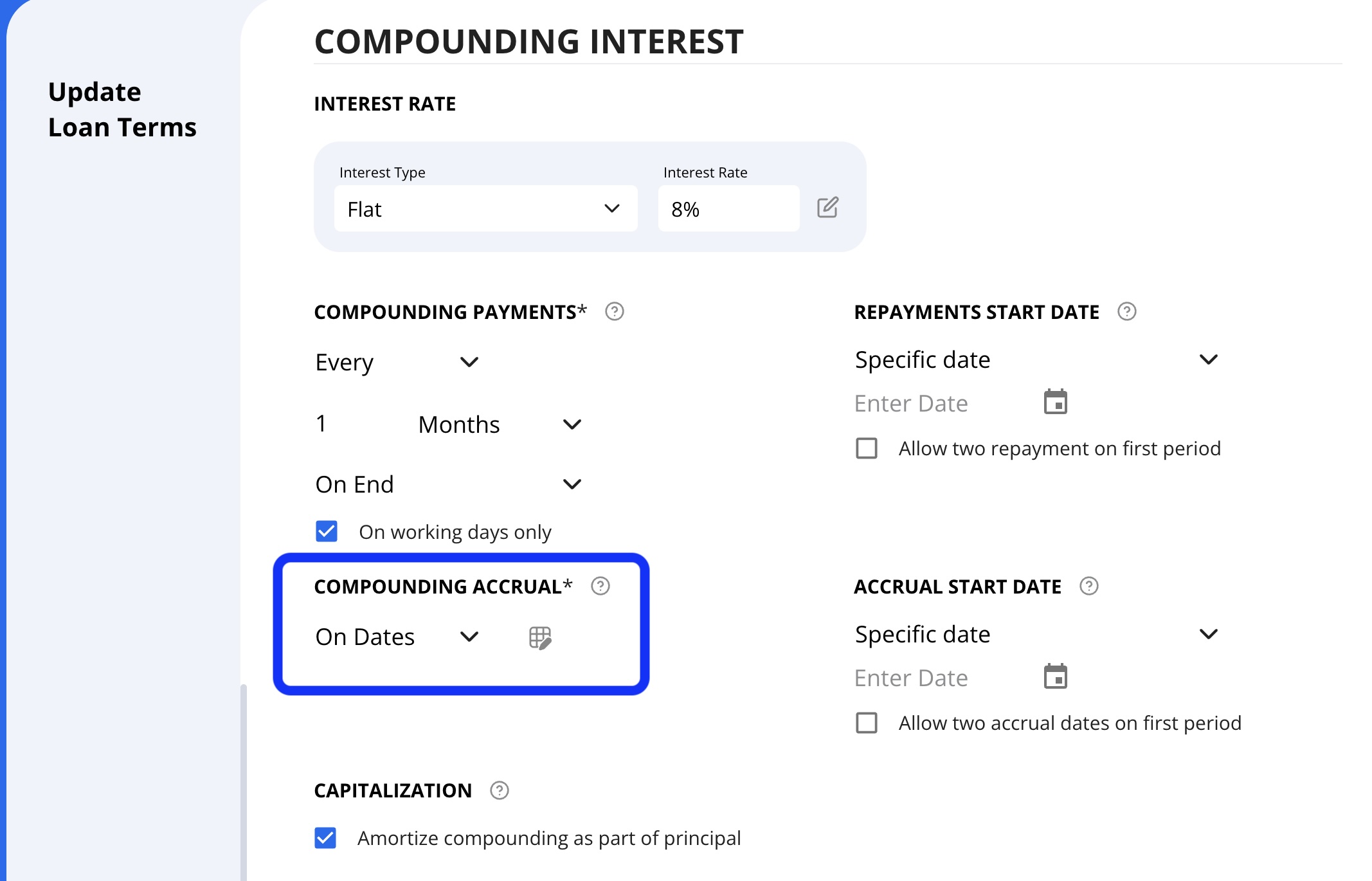
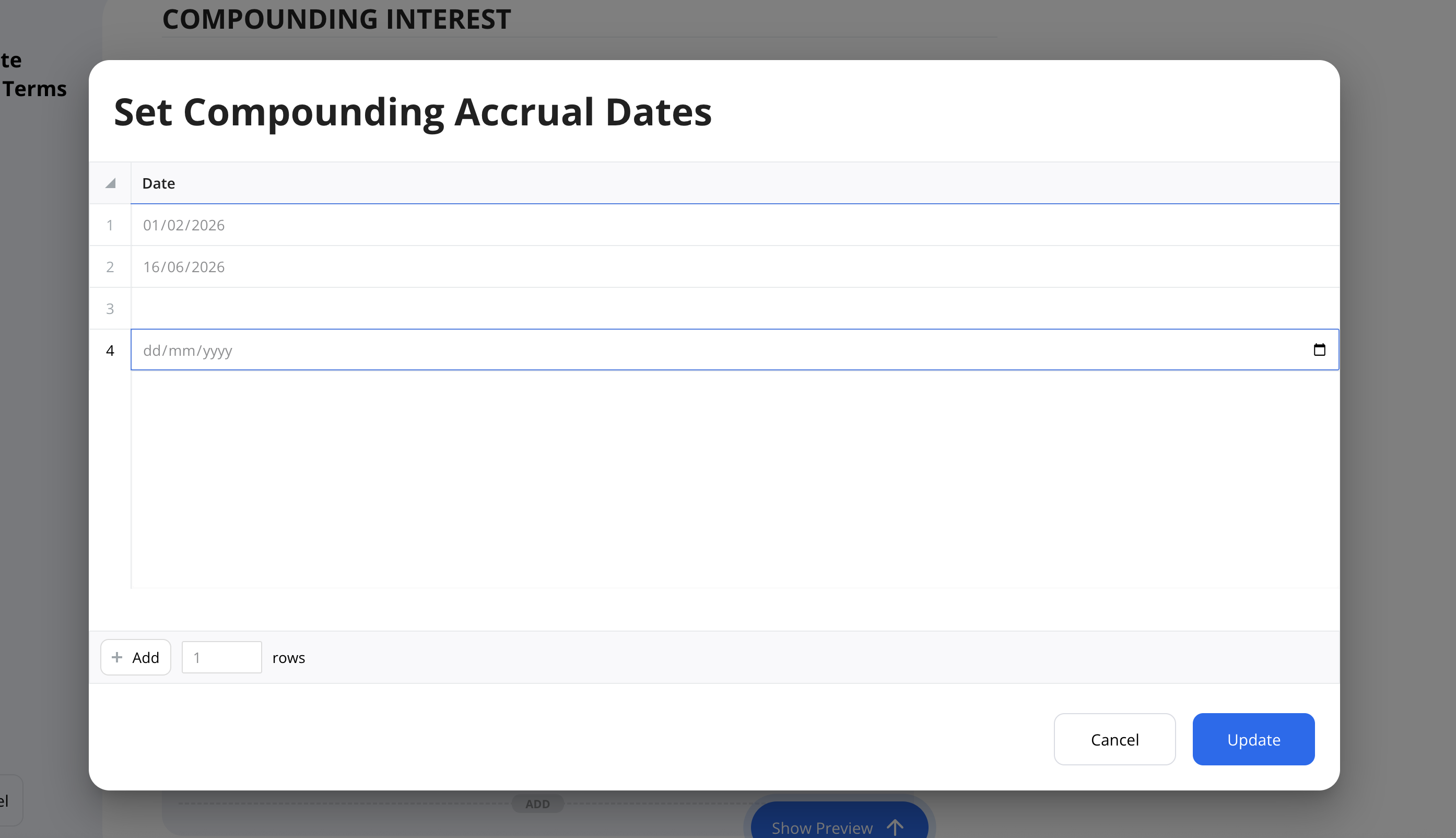
Choose Specific Dates for Interest and Compounding Accruals
You can now set Interest Frequency and Compounding Interest Frequency to use specific dates. To do this, go to the Interest Frequency dropdown, choose it, and select Specific Dates.
This is useful for loans where interest or compounding should happen on selected dates rather than on a recurring monthly, weekly, or yearly schedule.
Document Management
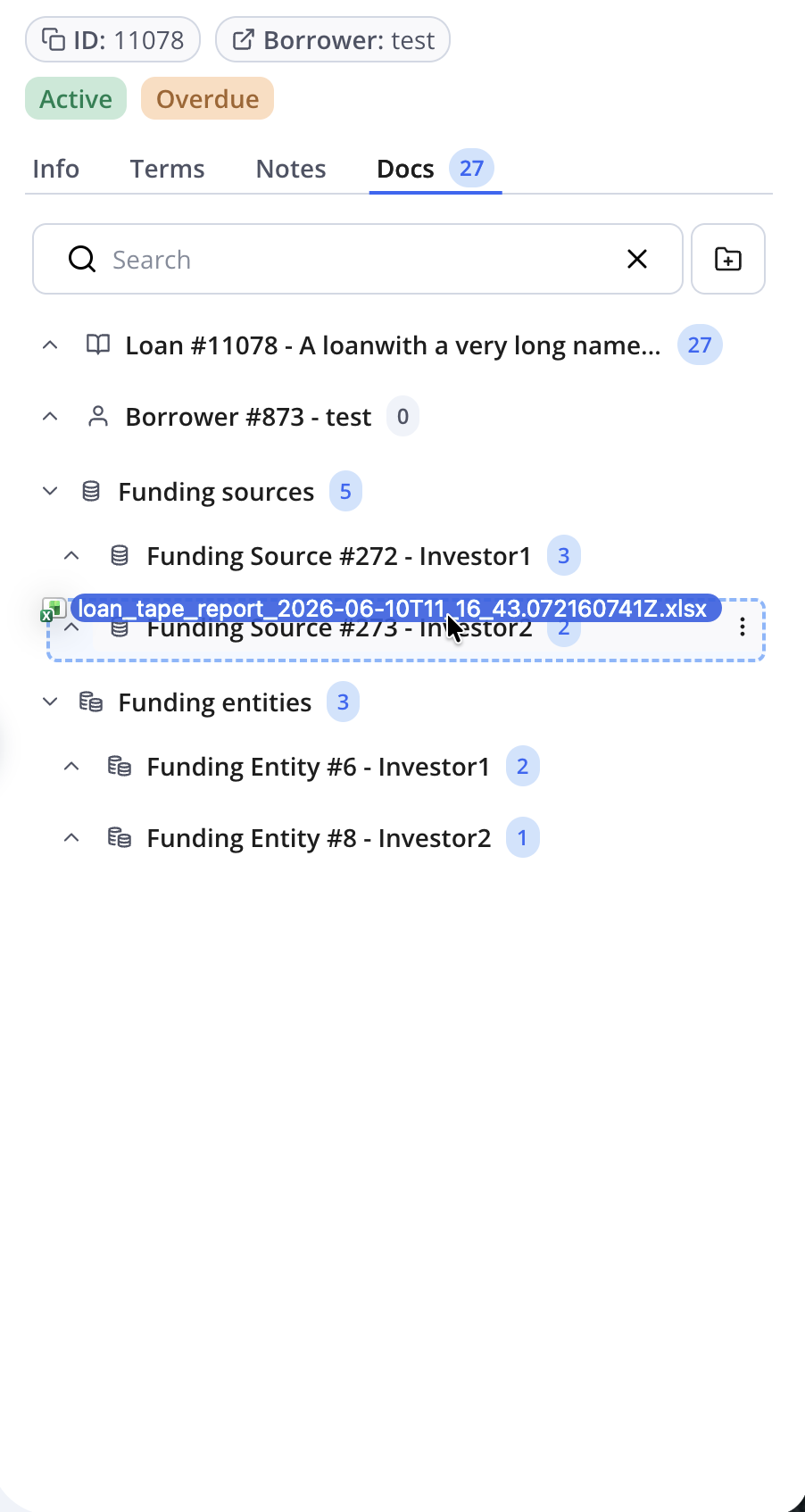
Drag and drop documents directly from your computer into different folders in the "Docs" section.
You can now also contract or expand the Funding Source and Funding Entities files in the Docs by selecting the arrow.
Additional Statement Naming Convention for Funding Source Statements
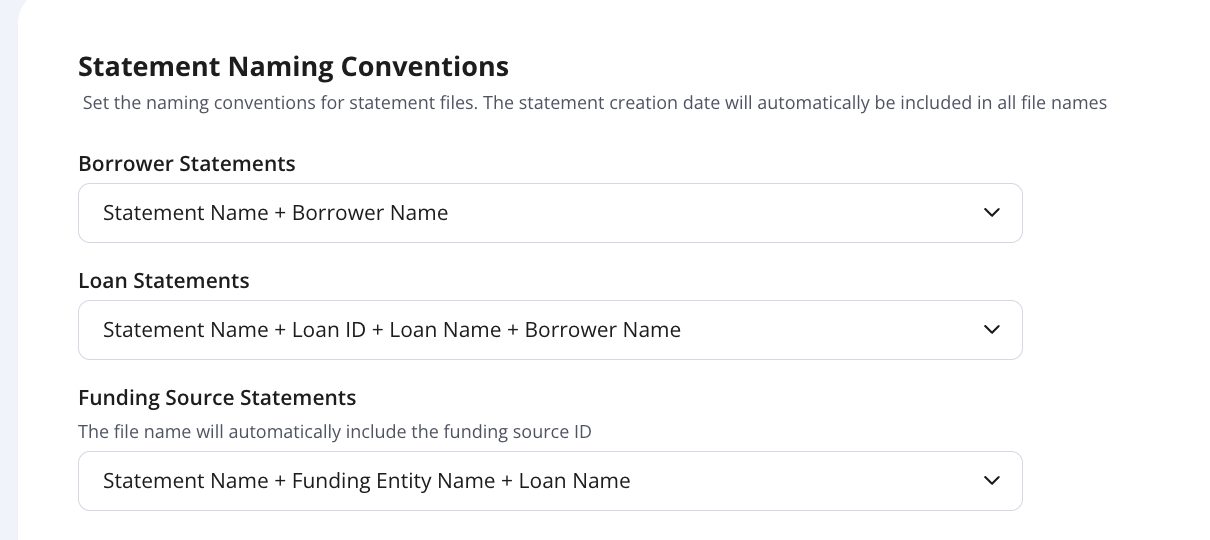
A new naming convention option - Statement Name + Funding Entity Name + Loan Name - is now available for Funding Source Statements. You'll find it under Settings → General.
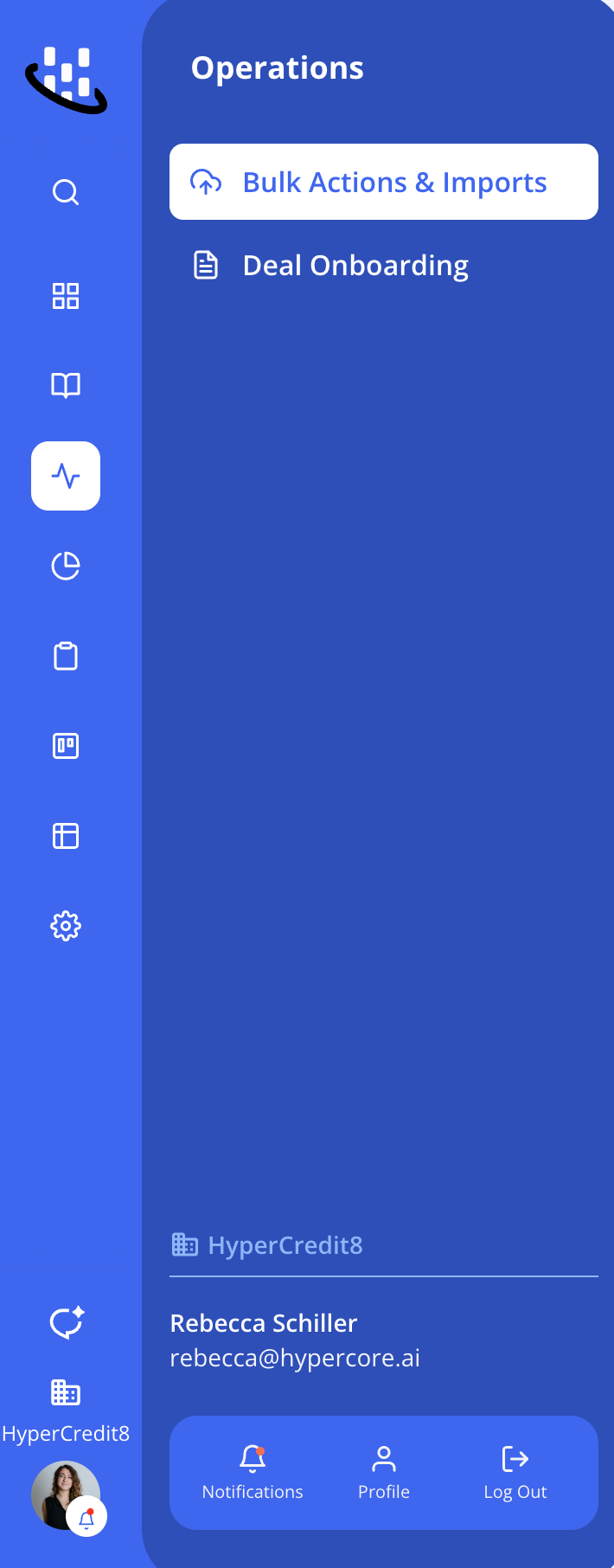
Improved Navigation Bar
Portfolio section now includes Loans, Equities, Funding Entities, Investors, Borrowers, and Brokers.
Terminology Change: “Client” is now referred to as “Borrower” throughout the app.
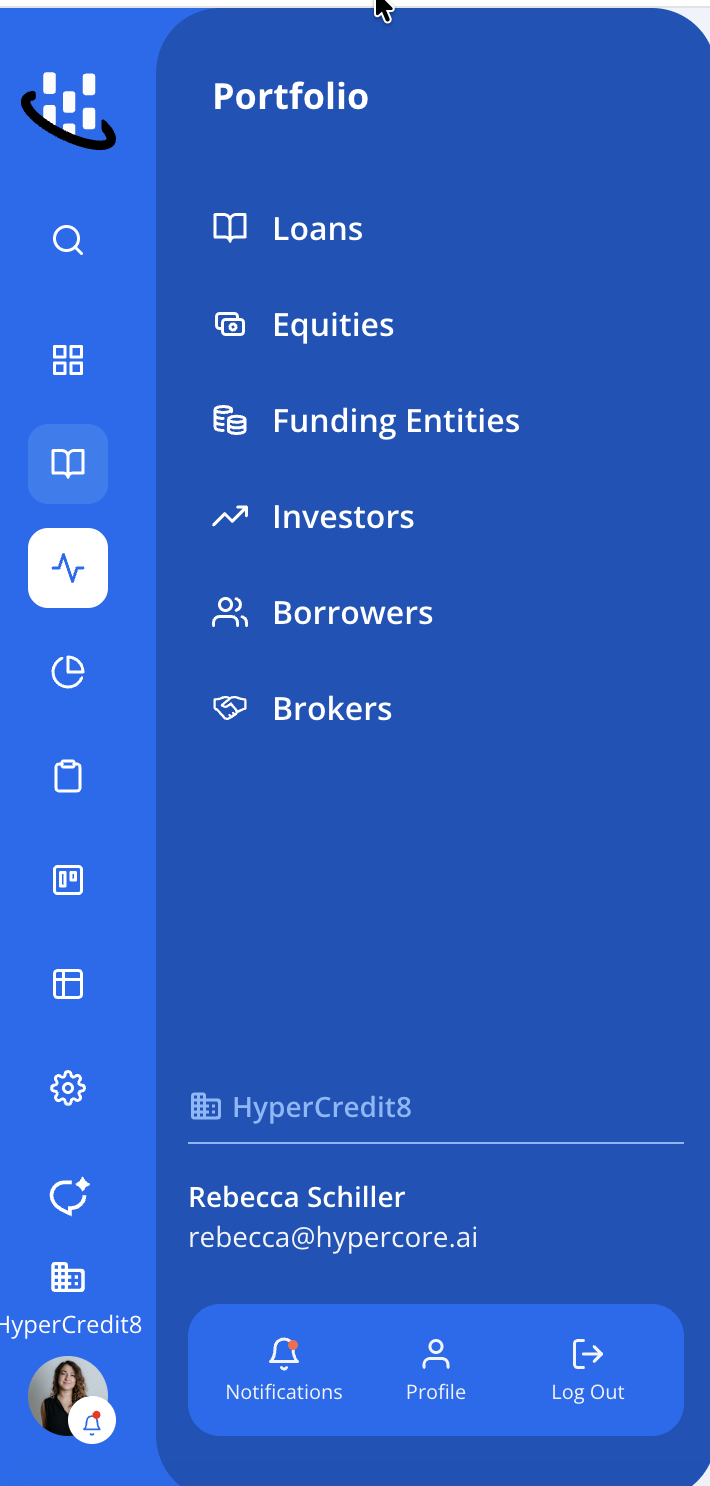
New Operations sidebar which will support all operational activities
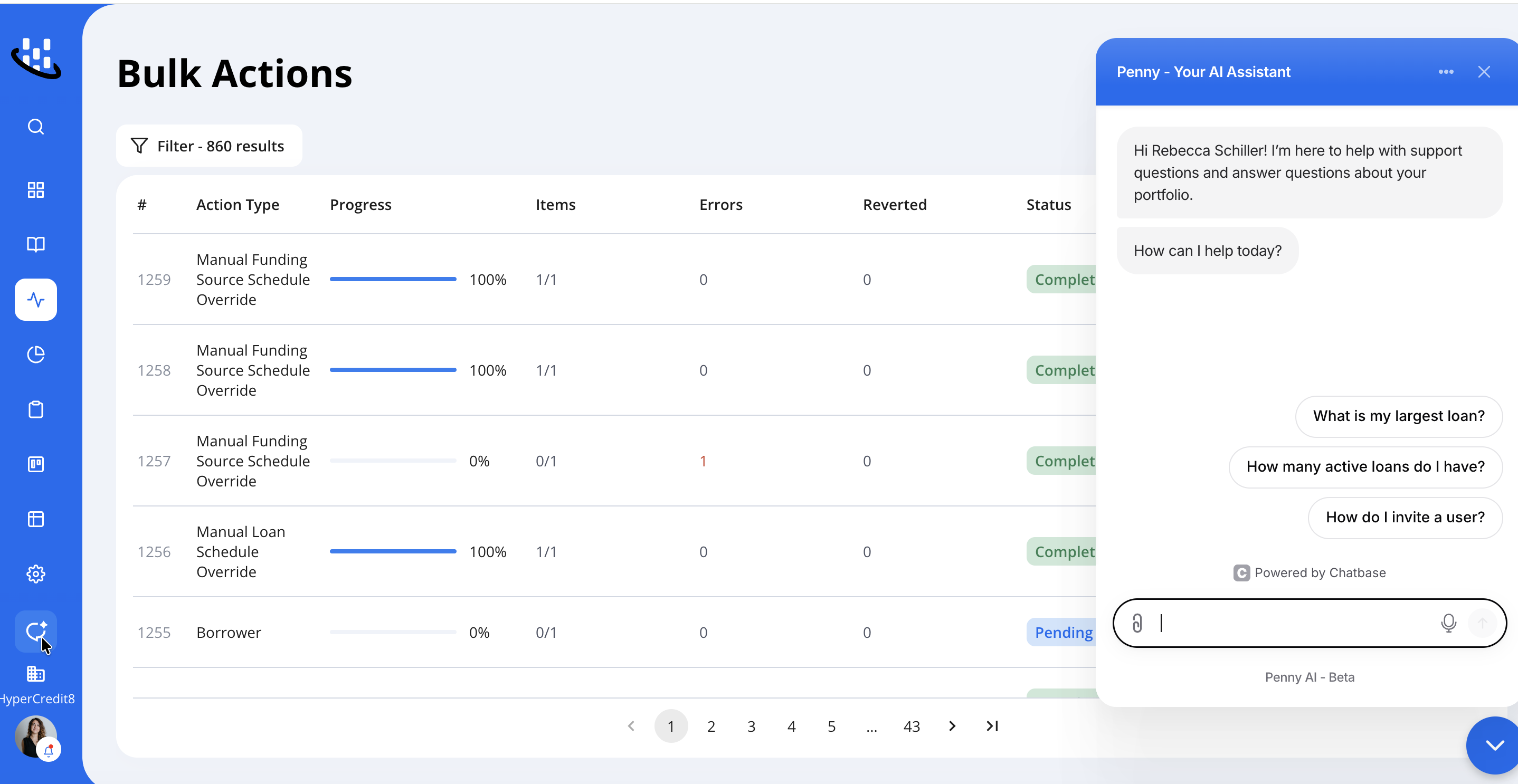
Improved Penny Icon