Revolver Loan Product
Last updated: April 29, 2026
Overview
A revolving loan in HyperCore allows a borrower to draw down funds in stages over a defined revolving period, repay based only on what was actually disbursed, and amortize principal after the revolving period ends. This guide walks through creating, configuring, activating, and validating a revolving loan in HyperCore's demo environment — including how the system handles partial disbursements.
Step 1: Create the Loan Application
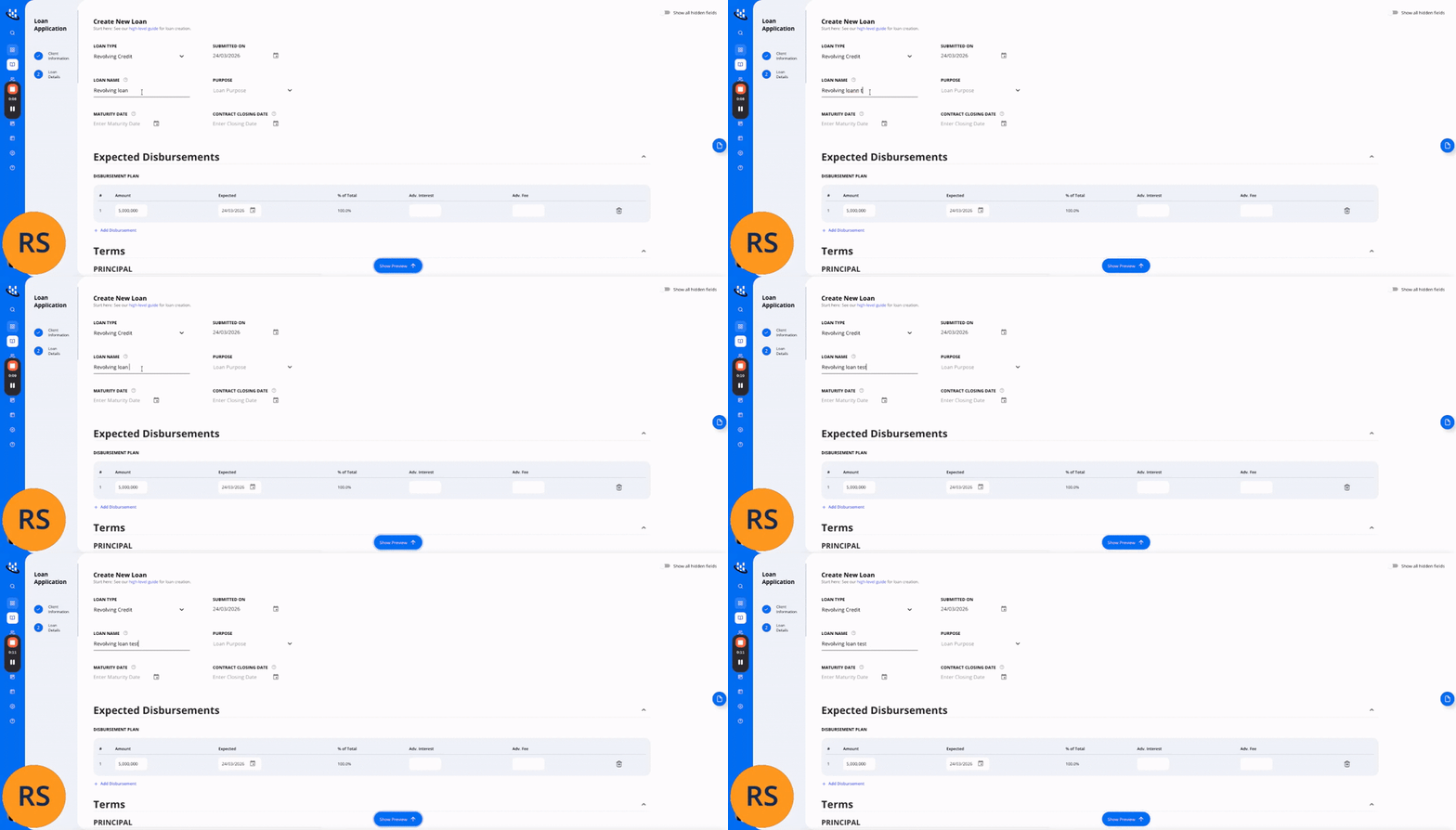
Navigate to Loan Application and click Create New Loan. Set the Loan Type to Revolving Credit
Tip: Use the "Show all hidden fields" toggle in the top right of the Create New Loan form to reveal additional advanced settings such as Rate Determination, Interest Accrual Period, Grace Period, and Fees config
uration.
Step 2: Configure Expected Disbursements & Revolving Period
Add the expected disbursement schedule.
Configure when the revolving period starts and ends. This defines the window during which the borrower can draw funds:
Key Notes: In a Revolving Loan, interest accrues only on amounts actually disbursed. If a borrower does not draw the full facility, the system treats undrawn amounts as never disbursed. The repayment schedule is recalculated dynamically based on actual drawdowns, ensuring accurate cash flow modeling throughout the revolving and amortization periods.